


In This Article
More than six hours each day glued to a chair behind a screen quietly erodes the body’s structural integrity. That silent erosion shows up as stiff necks, aching lower backs and creeping carpal tunnel by Friday afternoon – not as dramatic as a broken bone, but collectively responsible for nearly half of all work-related disorders worldwide.
In 2022 the World Health Organization reported 1.71 billion people living with musculoskeletal conditions, with low-back pain alone accounting for 632 million cases and $300 billion in annual U.S. healthcare costs. The majority of these conditions begin not from acute trauma but from years of uncorrected posture, static loading and repetitive motions in mismatched workstations. Recognizing the link between workspace geometry and human biomechanics, ergonomics has evolved from an optional office perk into a clinical necessity for both employee well-being and corporate productivity.

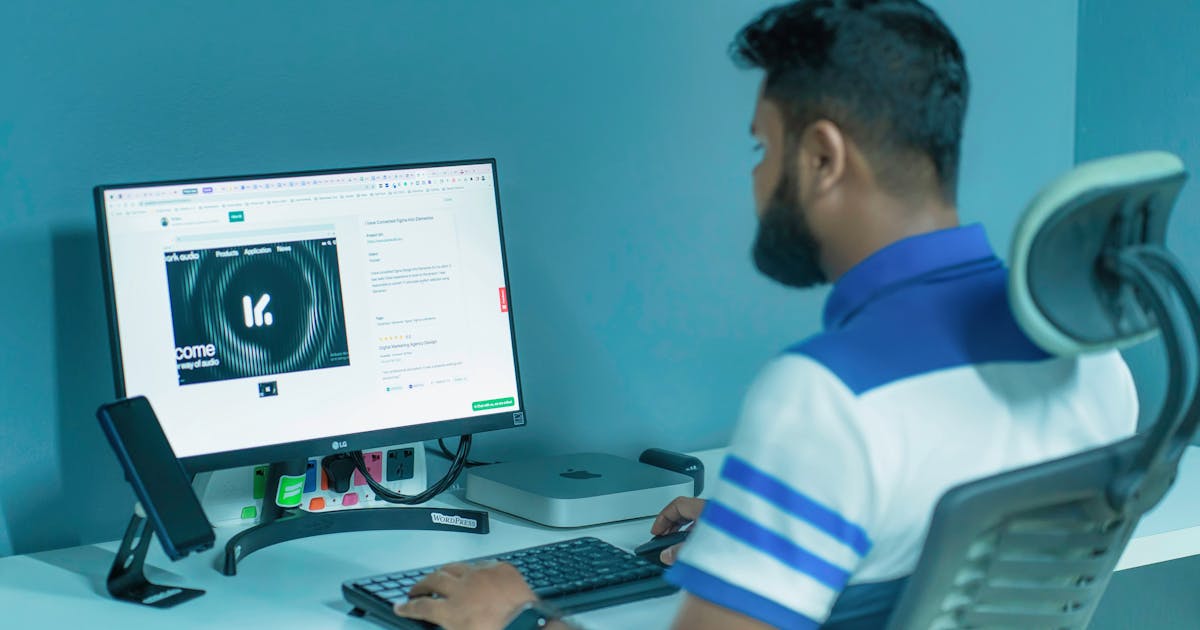
Photo by Mikhail Nilov on Pexels
The Science Behind Ergonomic Workspace Design Prevents
Ergonomics applies anthropometric data from thousands of human scans to shape furniture and tools so joints operate within their mid-range motion, minimizing tissue strain. The spine’s natural S-curve distributes compressive forces; when lumbar support and seat depth align, intradiscal pressure drops from 100 mmHg in poor posture to 60 mmHg in neutral sitting. Shoulders relaxed at 20 degrees of abduction reduce upper trapezius activation from 25 % of maximum voluntary contraction to 5 %, directly lowering risk of rotator cuff tendinopathy.
Recent electromyographic studies show that conventional flat keyboards increase forearm flexor activity by 18 % compared with split, tented designs, while vertical mice reduce wrist ulnar deviation from 25 degrees to 8 degrees. These biomechanical tweaks translate to measurable reductions: a 2021 randomized controlled trial in the *Journal of Occupational Rehabilitation* found that participants using ergonomic chairs and monitor arms reported 42 % fewer neck-shoulder complaints over 12 weeks and a 23 % increase in typing speed without accuracy loss.
Longitudinal data from the Netherlands’ TNO Institute link sustained postural deviation with elevated serum inflammatory markers including interleukin-6 and C-reactive protein. Participants whose workstations violated ergonomic guidelines showed a 1.7-fold higher risk of chronic low-back pain at 5-year follow-up, demonstrating that workspace design is not just comfort engineering but a modifiable risk factor for systemic inflammation and premature degenerative change.
Key Risk Factors and Warning Signs
Primary hazards cluster around three geometric mismatches: vertical misalignment (monitor height above eye level), horizontal misalignment (keyboard too far forward), and depth misalignment (seat pan longer than calf length). A 2020 survey of 1,247 office workers in Singapore found that 78 % positioned their monitor more than 10 cm above eye level, 64 % lacked lumbar support, and 52 % sat with knees higher than hips, creating a sustained posterior pelvic tilt that increases lumbar disc pressure.
Warning signs appear subtly: transient stiffness that resolves over weekends, early-morning neck tension radiating to the occiput, or finger paresthesia that wakes the individual at night. Persistent symptoms lasting beyond two weeks warrant professional evaluation; persistent radiating pain below the knee or progressive hand weakness may indicate nerve root compression requiring imaging and specialist referral.
Evidence-Based Strategies and Solutions
Implement these steps in sequence to transform any desk into a therapeutic environment.
- Monitor Height and Distance: Position the top third of the screen at or slightly below eye level; maintain an arm’s length (45-70 cm) to keep gaze angle within 30 degrees below horizontal. Use a monitor arm with gas spring to adjust in real time when switching tasks.
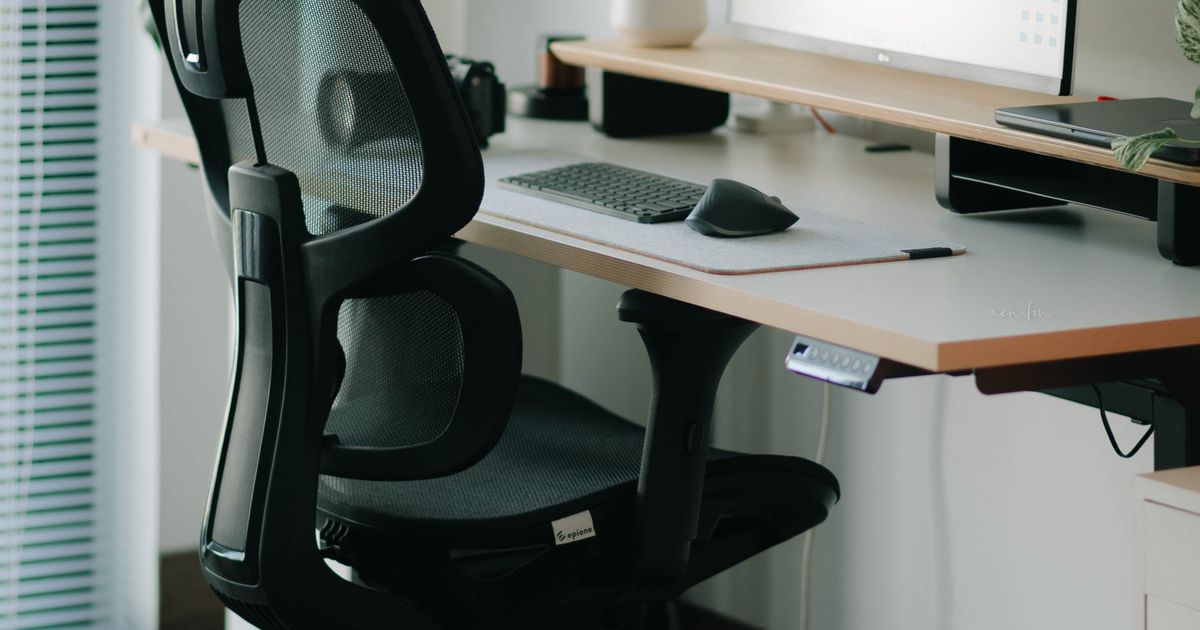
- Seat Pan Geometry: Choose a chair with seat depth 2-4 cm shorter than posterior thigh length to preserve 2-3 cm clearance behind the knee. Tilt the seat pan 5-8 degrees forward to reduce sacral sitting pressure and engage core stabilizers.
- Lumbar Support Curve: Adjust lumbar support to fit the natural inward curve; add a small rolled towel if the chair lacks adjustability. Maintain a slight anterior pelvic tilt to keep spinal facets unloaded and disc pressure below 40 mmHg.
- Keyboard and Pointer Placement: Split the keyboard at 15-25 degrees to align forearms in neutral pronation; place the pointer device at the same height to prevent shoulder elevation. Use a negative-tilt keyboard tray to keep wrists straight during keystrokes.
- Microbreak Protocol: Every 20 minutes, stand and perform a 20-second stretch-chin tuck, shoulder rolls, and hip flexor release-then walk 10 steps. A 2023 meta-analysis in *Sports Medicine* confirms such microbreaks reduce upper-limb discomfort by 31 % without productivity loss.
Latest Research and Expert Insights
A 2023 systematic review in *The Lancet Rheumatology* pooled data from 34 studies (n=12,706) and found that ergonomic interventions reduced new-onset musculoskeletal pain by 39 % over 12 months. Subgroup analysis revealed the greatest benefit among workers using sit-stand desks configured for alternating postures every 30 minutes.
- Key Finding: Workers randomized to ergonomic chairs with dynamic seat pans showed a 53 % reduction in lower-back pain intensity compared with static chairs at 6-month follow-up (p < 0.001).
- Expert Consensus: The American College of Occupational and Environmental Medicine recommends that employers provide adjustable furniture, monitor arms and footrests for all employees who spend ≥50 % of work time at desks.
- Future Directions: Emerging “smart seating” integrates pressure sensors that deliver real-time haptic feedback when posture drifts, while exoskeleton vests for overhead work are entering clinical trials to reduce shoulder strain by 45 %.
Frequently Asked Questions
How can I adjust an existing chair to approximate ergonomic support if I cannot afford a new one?
Start by rolling a small lumbar pillow or tightly rolled towel behind your lower back to restore the inward curve. Shorten the seat depth by placing a cushion at the back of the seat pan so your thighs fully contact the surface without pressure behind the knees. Elevate your feet on a sturdy box or footrest until your hips are slightly higher than your knees, reducing posterior pelvic tilt.
What are the first signs that my current setup is causing damage and I should seek professional help?
Persistent numbness in the median nerve distribution (thumb, index, middle fingers), morning stiffness lasting longer than 30 minutes, or pain radiating below the elbow warrants a visit to an occupational therapist or physiatrist. Document your workstation geometry with photos and bring them to the appointment; this accelerates targeted correction.
Can standing desks alone eliminate chronic pain without additional changes?
Standing desks reduce seated loading but introduce new risks-static hip flexor tightness and increased lumbar lordosis-if used continuously for more than two hours. Pair standing with a 2-inch anti-fatigue mat, 30-second calf stretches every 30 minutes, and a footrest to alternate weight bearing; combine this with a microbreak protocol to achieve balanced muscle loading.
Is it true that ergonomic keyboards cause more harm than flat keyboards by forcing unnatural wrist angles?
Ergonomic keyboards reduce ulnar deviation and wrist extension, the primary drivers of carpal tunnel pressure. Flat keyboards force prolonged wrist extension averaging 23 degrees, elevating carpal tunnel pressure from 28 mmHg to 54 mmHg. Studies show split, tented designs decrease median nerve compression by 41 % and improve typing speed without increasing error rates.
Conclusion and Key Takeaways
Workplace ergonomics has graduated from optional office furniture to a clinical intervention with measurable impact on pain, inflammation and productivity. By aligning workspace geometry with human biomechanics-monitor height at eye level, lumbar support restored, keyboard neutral-employees can cut chronic pain incidence by nearly half while gaining measurable productivity gains.
Take control today: measure your current setup against the five evidence-based steps outlined above, implement the microbreak protocol, and schedule a professional ergonomic assessment if symptoms persist. Small geometric tweaks today prevent structural damage tomorrow, transforming your desk from a silent pain generator into a platform for sustained health and performance.
